


Become a Certified Control-M Administrator and Master Enterprise Workload Automation,CONTROL-M Admin Training in Hyderabad – Real-Time Live Projects Training in Hyderabad,Ameerpet,KPHB@7993762900
We offers India’s No.1 CONTROL-M Admin Training in Hyderabad with global certification and 100% placement assistance. We provides industry-focused Control-M Training in Hyderabad, covering workload automation, job scheduling, workflow design, and enterprise batch management with real-world scenario Training institute in Hyderabad,Bangalore,Pune,Chennai,Delhi,india,US,UK,Canada,Dubai
Join our CONTROL-M Admin Training Institute in Hyderabad and ignite your CONTROL-M Admin IT career future with high-paying job opportunities in leading global companies.
Ctrl-M Course Online,Classroom,One-to-One, Corporate real time Live Projects Training institute in Hyderabad,Bangalore,Pune,Delhi,Mumbai,USA, UK,Canada,Dubai,Middle East,Japan,United Kingdom, Sri Lanka, Bangladesh, Philippines, Australia, Malaysia, Singapore, South Africa, UAE, Dallas,TX,Ameerpet,KPHB,Hi-tech City,Kondapur,Gachibowli
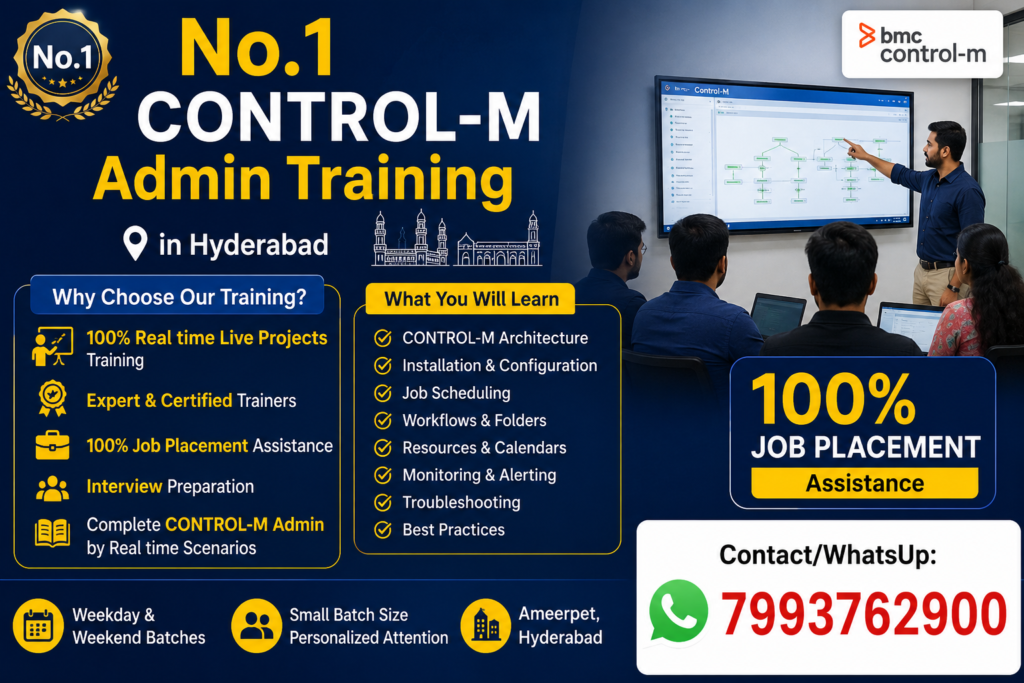
No.1 CONTROL-M Admin Advanced Course Content Training in Hyderabad@7799623005
Module 1: Introduction to Control-M
- Enterprise Batch Processing
- Workload Automation Concepts
- Control-M Architecture
- Control-M/Enterprise Manager
- Control-M Server
- Control-M Agent
- Installation Overview
Module 2: Control-M Administration
- Installation & Configuration
- Server Administration
- Agent Installation
- User Management
- Role-Based Security
- Database Configuration
- Licensing
Module 3: Job Scheduling
- Creating Jobs
- Calendars
- Scheduling Policies
- SMART Folders
- Cyclic Jobs
- File Watchers
- Event-Based Scheduling
Module 4: Monitoring & Operations
- Active Jobs
- Alerts
- Notifications
- Logs Analysis
- Troubleshooting Failed Jobs
- SLA Management
- New Day Process
Module 5: Advanced Administration
- High Availability
- Disaster Recovery
- Migration
- Backup & Restore
- Automation API
- SSL Configuration
- Housekeeping Activities
Module 6: Integrations
- Linux
- Windows
- UNIX
- Oracle
- SQL Server
- SAP
- Informatica
- Hadoop
- Cloud Integrations
Module 7: Real-Time Production Support
- Incident Management
- Change Management
- Root Cause Analysis
- Production Issues
- Performance Tuning
- Best Practices
Module 8: DevOps Integration
- Automation API
- REST API
- Jenkins
- Git
- CI/CD Integration
Live Project
- Enterprise Banking Batch Processing
- Insurance Batch Automation
- Retail Order Processing
- Healthcare Data Processing
- Financial End-of-Day Batch Processing
Who Can Attend?
- System Administrators
- Linux Administrators
- Production Support Engineers
- Application Support Engineers
- DevOps Engineers
- Database Administrators
- Freshers with Linux Knowledge
Prerequisites
- Basic Linux/UNIX Knowledge
- Basic Database Concepts
- Basic Networking Knowledge (Preferred)
Job Roles After Training
- Control-M Administrator
- Workload Automation Engineer
- Batch Scheduler
- Production Support Engineer
- Application Support Engineer
- Automation Engineer
- Middleware Administrator
Countries with High Demand
- 🇮🇳 India (Hyderabad, Bangalore, Pune, Chennai)
- 🇺🇸 United States
- 🇬🇧 United Kingdom
- 🇨🇦 Canada
- 🇩🇪 Germany
- 🇦🇪 Dubai (UAE)
- 🇸🇬 Singapore
- 🇦🇺 Australia
- 🇳🇱 Netherlands
- 🇮🇪 Ireland
Official Learning Topics
BMC recommends administrator training that covers:
- Control-M Architecture
- Enterprise Manager Administration
- Server & Agent Administration
- Job Lifecycle
- New Day Processing
- Security & Role Management
- Automation API
- High Availability
- Troubleshooting and Monitoring
Contact
CONTROL-M Admin Training in Hyderabad
📍 Classroom | Online | Corporate | One-to-One
🎯 Real-Time Live Projects
💼 100% Job Assistance
📞 Contact/WhatsApp: 7993762900
No.1 Siemens Teamcenter PLM Training with Certification in Hyderabad,Bangalore,Pune,Chennai,India,US,UK@7993762900
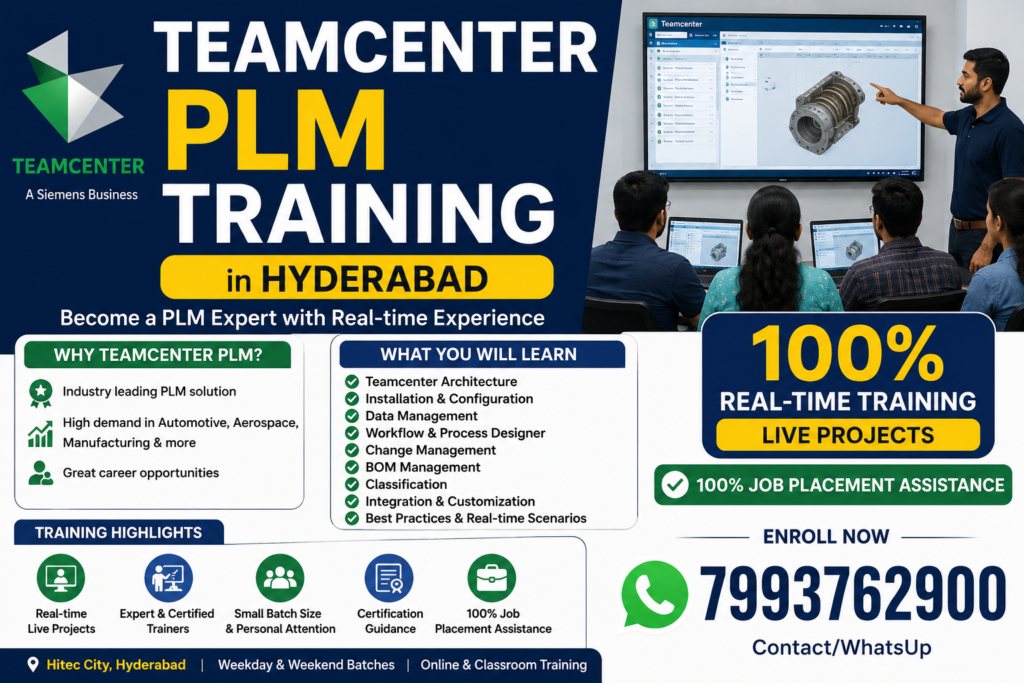
Career Opportunities After Teamcenter PLM Training in Hyderabad
- Teamcenter Administrator
- PLM Engineer
- Teamcenter Support Engineer
- Teamcenter Application Engineer
- Teamcenter Consultant
- Teamcenter Implementation Engineer
- Teamcenter Configuration Engineer
- Teamcenter Customization Engineer
- Teamcenter Developer (BMIDE / ITK)
- PLM Solution Consultant
- CAD-PLM Integration Engineer
- NX Teamcenter Integration Engineer
Teamcenter is one of the most widely used Product Lifecycle Management (PLM) platforms across Automotive, Aerospace, Industrial Equipment, Heavy Engineering, Manufacturing, Consumer Products, and Engineering Services industries. Organizations implementing digital engineering and Product Lifecycle Management (PLM) solutions require skilled professionals with Teamcenter knowledge for administration, customization, integration, and support activities.
After successfully completing Teamcenter training in Hyderabad, participants can explore career opportunities in roles such as:
This PLM Training in Hyderabad is best suited for:
- Solution Consultants
- Sales & Pre-sales Professionals in PLM
- Product Lifecycle Management Users
- Business Decision Makers
- SAP PLM Aspirants
Teamcenter PLM Training Course Content
Our Teamcenter PLM Training in Hyderabad is designed to provide comprehensive knowledge of Siemens Teamcenter from the fundamentals to advanced administration concepts. The course combines instructor-led sessions, hands-on labs, and real-time industry projects to prepare participants for careers as Teamcenter Developers, Administrators, and PLM Consultants.
Module 1: Introduction to PLM
- Product Lifecycle Management (PLM) Overview
- PLM Concepts and Business Benefits
- Digital Thread and Digital Twin
- Teamcenter Architecture Overview
- Teamcenter Product Portfolio
- Teamcenter Deployment Models (On-Premises & Cloud)
Module 2: Teamcenter Fundamentals
- Teamcenter Rich Client (RAC)
- Active Workspace (AWC)
- Teamcenter Navigation
- User Interface Overview
- Login and User Preferences
- Home Folder and Workspace
Module 3: Data Model
- Business Objects
- Item and Item Revision
- Datasets
- Forms
- Relations
- Properties
- Object Ownership
- Naming Rules
- Revision Rules
Module 4: Organization Management
- Organization Structure
- Users
- Groups
- Roles
- Projects
- Resource Pools
- User Administration
Module 5: Access Manager
- Access Control Concepts
- ACL (Access Control Lists)
- Privileges
- Rule Tree
- Object-Based Protection
- Project Security
Module 6: Workflow Management
- Workflow Fundamentals
- Process Templates
- Workflow Designer
- Task Types
- Review and Approval Process
- Workflow Monitoring
- Workflow Customization
Module 7: Lifecycle Management
- Release Status
- Lifecycle States
- Revision Control
- Baselines
- Configuration Management
Module 8: BOM (Bill of Materials)
- Product Structure Management
- BOM Creation
- BOM Editing
- BOM Compare
- BOM Configuration
- BOM Revision Management
- Multi-Level BOM
Module 9: Document Management
- Dataset Management
- Document Revisions
- Version Control
- File Management System (FMS)
- CAD Document Integration
Module 10: Change Management
- Engineering Change Request (ECR)
- Engineering Change Notice (ECN)
- Change Objects
- Change Workflow
- Impact Analysis
Module 11: Classification
- Classification Concepts
- Class Hierarchy
- Attributes
- Search Using Classification
- Reusable Components
Module 12: Query Builder & Search
- Saved Queries
- Advanced Search
- Query Builder
- Report Generation
- Search Optimization
Module 13: Teamcenter Administration
- BMIDE Introduction
- Preferences
- LOV (List of Values)
- Business Rules
- Organization Administration
- License Management
- Environment Configuration
Module 14: BMIDE Customization
- Business Modeler IDE
- Business Object Extensions
- Property Customization
- LOV Configuration
- Display Rules
- Deployment Process
Module 15: Active Workspace (AWC)
- Active Workspace Architecture
- Installation Overview
- Configuration
- User Interface Customization
- Search Configuration
Module 16: Teamcenter Integration
- NX Integration
- Solid Edge Integration
- CATIA Integration
- AutoCAD Integration
- Microsoft Office Integration
- SAP ERP Integration Overview
Module 17: Teamcenter Utilities
- Data Export and Import
- Bulk Loader
- Data Migration
- Backup and Restore
- Maintenance Utilities
Module 18: Real-Time Industry Project
- Product Data Management Implementation
- BOM Creation and Management
- Workflow Design
- Change Management Process
- User Administration
- Access Management
- Complete End-to-End Project
Module 19: Interview Preparation
- Frequently Asked Interview Questions
- Scenario-Based Questions
- Resume Building
- Mock Interviews
- Certification Guidance
Who Can Enroll?
- Mechanical Engineers
- Production Engineers
- Design Engineers
- CAD Professionals
- PLM Consultants
- Manufacturing Professionals
- Fresh Graduates
- IT Professionals
Training Features
- 100% Real-Time Project-Based Training
- Hands-on Practical Sessions
- Latest Teamcenter Version
- Industry-Experienced Trainers
- Interview Preparation
- Resume Assistance
- Flexible Online & Classroom Training
- Weekday and Weekend Batches
- 100% Job Assistance